
How to Log in to the Jan111 Game?
Login to Jan111 Game takes less than a minute once your account is ready. You only need your registered mobile number and your password, or a fresh SMS code. This guide shows every login method, step by step. It also fixes the most common login problems.
Why Do You Need to Log in to Jan111 Game?
Your Jan111 account holds your wallet balance, your bonuses, and your game history. Login opens all of it. Without login, you cannot deposit money, withdraw your winnings, or claim daily rewards.
Login also keeps your money safe. Only you know your password. Only your phone receives the SMS code. Nobody else can open your account without these two things.
What Do You Need Before You Log in?
- Your registered Pakistani mobile number.
- Your account password, or access to SMS codes on the same number.
- The Jan111 Game app installed on your phone. If you do not have it yet, get it from our Jan111 download page.
- A stable internet connection, Wi-Fi or 4G.
How to Log in to Jan111 Game?
Follow these steps to log in to your Jan111 account.
1: Open the Jan111 Game App
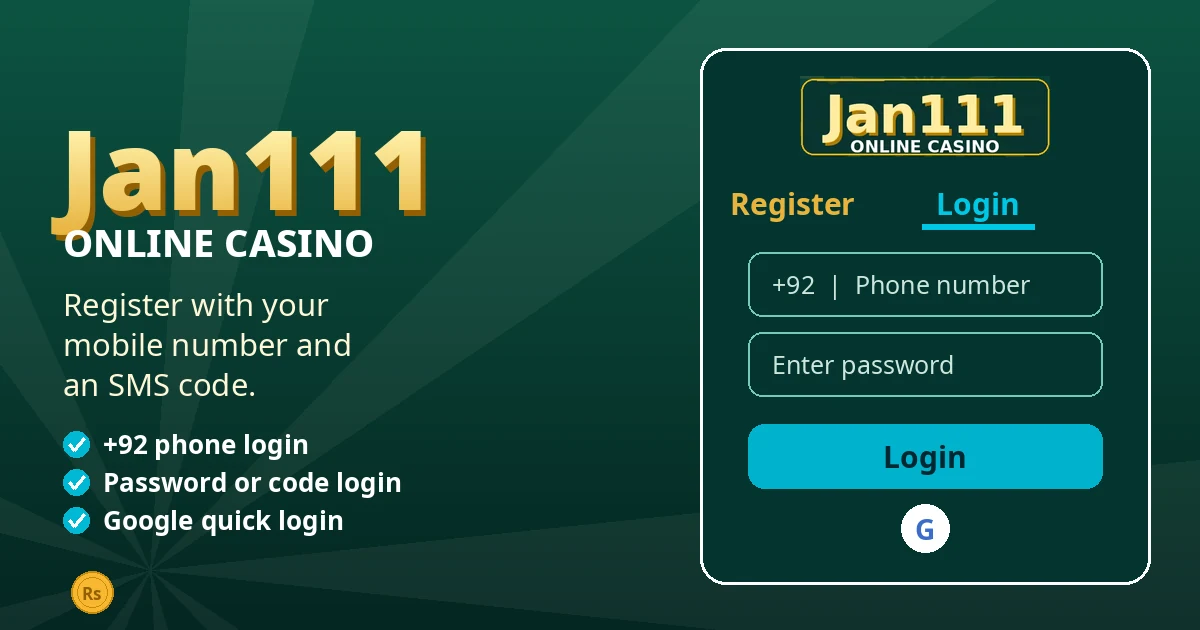
Tap the Jan111 icon on your home screen. The app opens on the welcome screen. Tap the Login button.
2: Enter Your Mobile Number
Type the mobile number you used at registration, with the +92 code. Check the number twice. A wrong digit sends the code to the wrong place.
3: Choose Password Login
Tap Password Login. Type your password and tap Login. Your account opens on the dashboard.
4: Or Use Code Login
If you do not remember your password, tap Code Login. The app sends a fresh SMS code to your number. Type the code and tap Login. You are in without a password.
5: Or Use Google Quick Login
If you linked a Google account to Jan111, tap the Google button on the login screen. Pick your Google account. The app logs you in at once.
Forgot Your Jan111 Password?
Tap Forgot Password on the login screen. Enter your registered mobile number. The app sends a reset code by SMS. Type the code, then create a new password. Use a password that is easy for you to remember and hard for others to guess.
If the reset code does not arrive, wait one full minute and tap resend. Check your phone signal. Make sure the number is correct.
Common Login Problems and Their Solutions
Wrong Password
Check caps lock and typing mistakes. Passwords are case sensitive. If it still fails, use Code Login with a fresh SMS code, or reset your password from the login screen.
SMS Code Not Arriving
Wait one full minute before you tap resend. Check your signal and confirm the number is right. Do not request many codes in a row. The system may block too many requests.
App Not Opening or Crashing
Close the app fully and open it again. Check your internet connection. If the problem stays, update the app to the latest version from our download page.
Account Locked After Many Tries
Too many wrong password tries can lock the account for a short time. Wait for a while and try again with the correct password or a fresh SMS code. If the lock stays, contact support inside the app.
Tips for a Safe Jan111 Login
Never share your password or your SMS code with anyone. Jan111 support will never ask for them. Log in only on your own phone. Log out if you use a shared device. Change your password from time to time, and never use your birthday or phone number as your password.
What to Do After You Log in?
Check your wallet balance first. Then open the Promo section and claim your daily check-in reward. If you want to play, read our Jan111 deposit guide to add money with EasyPaisa or JazzCash. When you win, our Jan111 withdrawal guide shows how to move money to your own wallet.
Conclusion
Login to Jan111 Game is simple. Enter your number, pick password or code login, and you are in. If a problem appears, the fix is usually a fresh SMS code or a password reset. Keep your login details private, and your account stays safe.
If you do not have an account yet, read our Jan111 registration guide and create one in minutes.
Frequently Asked Questions
Can I log in to Jan111 on two phones?
Yes, you can log in on another phone with the same number and password. But do not share your account with others. One account belongs to one player.
I changed my mobile number. How do I log in?
Login needs the number you registered with. If you lost that number, contact support inside the app with your account details. They will guide you through the recovery.
Is code login safe?
Yes. The SMS code goes only to your own number. It works for one login only. Never share the code with anyone, even if they say they are from support.
Why does the app ask me to log in again?
The app may ask you to log in again after an update or a long break. This is normal. Enter your number and password, or use a fresh SMS code.